
How to access tokeslot88 on mobile
Three paths lead to tokeslot88 on your phone. Android users can download our APK directly; iOS users access the platform through a mobile browser; and all users can install our web app as a shortcut on their home screen. Each method connects to the same account and payment system.
Android APK
Direct download for Android 7 and above. Fastest performance and offline features.
Download APKInstallation steps
- Download: Visit tokeslot88.bet on your phone or scan the QR code in our support materials.
- Install: For Android, enable "Unknown sources" in Settings, then tap the APK file. For iOS and web, no installation is needed — just bookmark or add to home screen.
- Register or sign in: Create a new account or log in with your existing username and password.
- Add a payment method: Link DANA, e-wallet, mobile banking, or another supported option to start depositing.
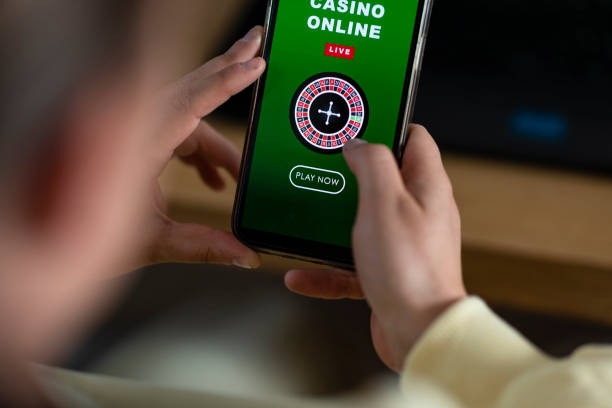
App versus browser: what's the difference
Our Android APK app runs faster than the browser because it caches game rules and market data locally. Push notifications alert you to live football events in Jakarta, Surabaya, and Bandung without opening the app. The app also works offline for reading past transactions and game history. Browser access (iOS and web) requires an internet connection but needs no download and updates automatically. Both paths use the same account, so switching between them is seamless.
Device compatibility
Android APK requires Android 7.0 or later. iOS users need Safari or Chrome on iOS 12 or later. Web app works on any device with a modern browser. We test tokeslot88 on phones from 2018 onwards, so older devices may experience slower performance. If your device is not listed, contact our support team for guidance.
Troubleshooting common install issues
If the APK download fails, check that "Unknown sources" is enabled in your Android Settings under Security. If you see a certificate warning, this is normal for direct APK downloads — tap "Install anyway" to proceed. For iOS, if the web app does not save to your home screen, try using Safari instead of Chrome. If the app crashes after opening, clear your browser cache or reinstall the APK. Our support team can help with device-specific issues; contact us through the in-app help menu or visit our FAQ.

Data, permissions, and account security
The tokeslot88 app requests permission to store files (for offline caching) and send notifications. We do not access your contacts, camera, or location. Your account credentials are encrypted in transit and at rest. When you log in, we verify your identity through a secure session token that expires after a set period of inactivity. If you suspect unauthorized access, change your password immediately and contact our support team. We recommend using a strong, unique password and enabling two-factor authentication if available on your account.